If you want to know how to optimize your website for multiple service locations, you are already ahead of most local competitors. Businesses that serve more than one city or region need more than a generic homepage to rank in Google. Without a deliberate location-based SEO strategy, you are leaving revenue on the table every single day. Whether you operate across the Phoenix metro area, throughout Arizona, or in multiple states, this guide gives you a clear, actionable framework to build local authority and drive qualified traffic from every market you serve.
Why Location-Specific SEO Pages Are Non-Negotiable
Google's local search algorithm is built around relevance, proximity, and prominence. When someone in Tempe searches for your service, Google wants to serve them a result that is clearly relevant to Tempe - not a generic page that mentions Arizona once in the footer. That is why dedicated location pages are the foundation of any multi-location SEO strategy.
Each location page should target a specific city or service area and include unique, valuable content written for that audience. Do not simply copy and paste the same page with a different city name swapped in. Google identifies thin, duplicate content quickly and will either ignore those pages or penalize your domain. Instead, write original descriptions of how your service applies to that specific community, reference local landmarks or neighborhoods where appropriate, and include location-specific testimonials or case studies when possible.
A well-built location page signals to Google that your business genuinely serves that area, which dramatically improves your chances of appearing in the local pack and organic results for that city. Our team at RAH Operations builds these pages as part of every website design and SEO engagement.
How to Structure Your Website for Multiple Locations
Site architecture matters enormously when you are targeting multiple service areas. A flat, disorganized structure confuses both users and search engine crawlers. The most effective approach is to create a clean URL hierarchy that groups your location pages logically.
For example, if you offer landscaping services in Scottsdale, Mesa, and Chandler, your URL structure might look like this: yoursite.com/locations/scottsdale, yoursite.com/locations/mesa, and yoursite.com/locations/chandler. This tells Google exactly how your content is organized and makes it easy for crawlers to index every page efficiently.
Your main navigation should include a Locations or Service Areas section that links to each individual location page. This internal linking structure passes authority from your homepage down to each location page, boosting their ability to rank. You should also link between related location pages where it makes geographic sense, and link from your service pages back to relevant location pages. This creates a web of internal signals that reinforces your local relevance across the entire site.
If you are unsure how to build this structure correctly, our website intake form is the fastest way to get a professional assessment of your current setup.
On-Page SEO Elements Every Location Page Needs
Once your structure is in place, each location page needs to be fully optimized at the on-page level. This means getting the technical details right so Google can understand exactly what the page is about and who it is for.
Start with your title tag. It should include your primary service keyword and the city name, ideally within 60 characters. Your meta description should reinforce the local angle and include a clear call to action. Your H1 heading should match the intent of the page and include the location. Use H2 and H3 subheadings to organize the content and naturally incorporate secondary keywords related to that service area.
Body content should be at least 400 to 600 words per location page. Include the city name and surrounding neighborhoods naturally throughout the text. Add your local phone number, address if applicable, and a Google Maps embed. Schema markup for LocalBusiness is critical - it tells Google your business name, address, phone number, and service area in a structured format that search engines can read directly. Every one of these elements works together to build a complete local SEO signal for that specific page.
Google Business Profile and Citation Consistency
Your on-site optimization is only part of the equation. Off-site signals, particularly your Google Business Profile and local citations, play a major role in how well your location pages rank. If you have multiple physical locations, each one needs its own verified Google Business Profile with accurate and consistent NAP data - that is your Name, Address, and Phone number.
Citation consistency means your business information appears identically across every directory, review site, and data aggregator on the web. Inconsistencies in your NAP data - even small ones like abbreviating Street as St. on one listing and spelling it out on another - can dilute your local authority and confuse Google about which location is legitimate.
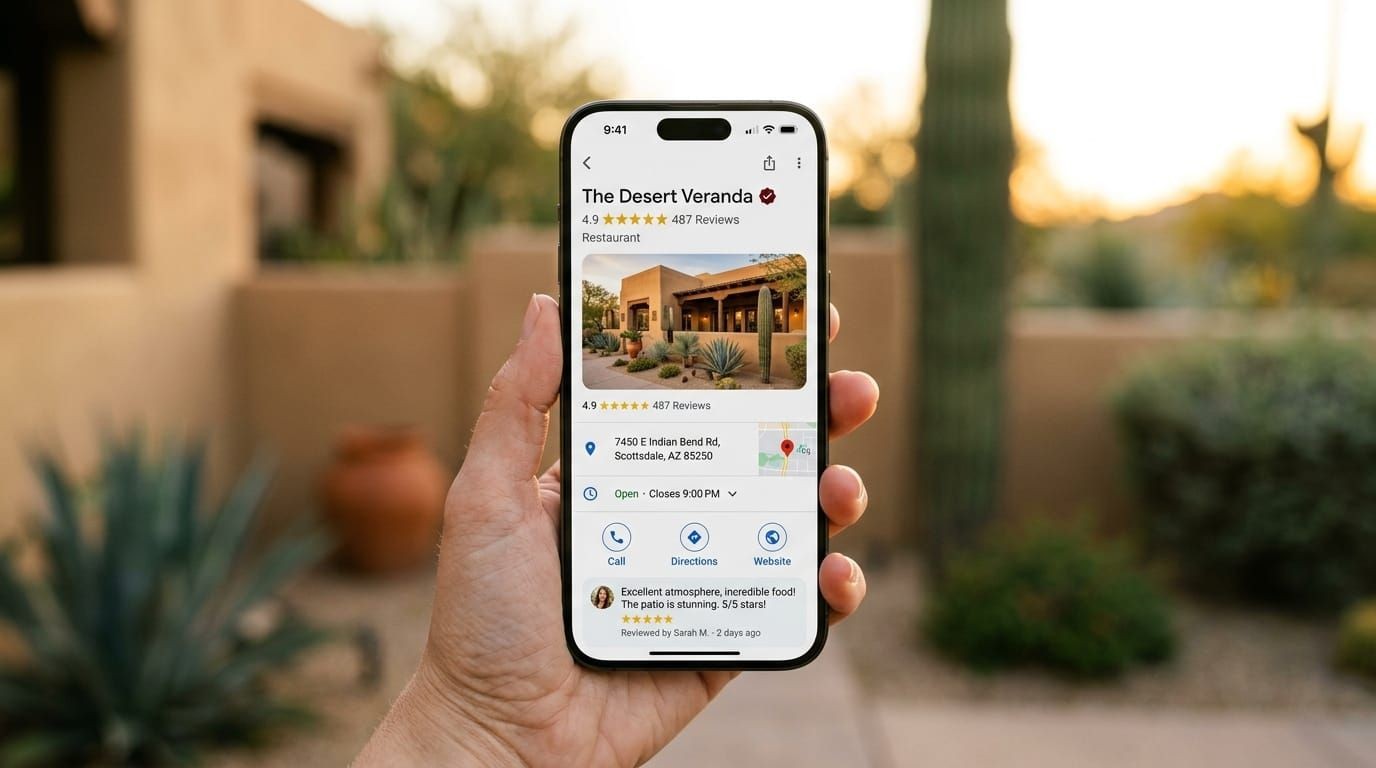
For service-area businesses that do not have a physical storefront in every city they serve, you can still create a Google Business Profile and define your service areas. Combine this with strong location pages on your website and you have a powerful one-two punch for local visibility. Our digital marketing services include full citation management and GBP optimization for businesses across Arizona.
Content Strategy for Scaling Across Many Locations
Scaling location-based content without sacrificing quality is one of the biggest challenges multi-location businesses face. The temptation is to automate content generation and publish hundreds of thin pages quickly. This approach almost always backfires. Google's Helpful Content system is specifically designed to identify and devalue pages that exist primarily for search engines rather than real users.
The right approach is to build a content template that ensures consistency in structure and SEO elements, while leaving room for genuinely unique content on each page. Assign a writer or team member who understands each market to contribute local insights, customer stories, or community references that make each page feel authentic.
You can also supplement your location pages with locally focused blog content. Writing about topics relevant to a specific city - such as local regulations, seasonal considerations, or community events related to your industry - builds topical authority for that area and drives additional organic traffic. Link these blog posts back to the relevant location page to funnel that authority where it matters most. This is a core part of how we approach social media management and content distribution for our clients as well.
Tracking Performance Across All Your Service Areas
You cannot improve what you do not measure. Tracking the performance of your multi-location SEO strategy requires setting up proper analytics and reporting from the start. Use Google Search Console to monitor which location pages are receiving impressions and clicks, and identify which cities are underperforming so you can prioritize improvements.
Set up Google Analytics 4 with location-specific goals so you can see which pages are driving conversions, not just traffic. If you are running paid campaigns alongside your organic strategy, use UTM parameters to separate traffic sources and understand the true ROI of each channel by location.
Rank tracking tools like BrightLocal or Semrush allow you to monitor your keyword positions in specific cities, which is essential when you are targeting multiple markets simultaneously. Review this data monthly and use it to guide your content updates, link building efforts, and technical fixes. Businesses that treat SEO as an ongoing process rather than a one-time project consistently outperform those that do not.
Frequently Asked Questions
How many location pages do I need for my website?
You need one dedicated location page for every city or service area you want to rank in. If you serve 10 cities, you need 10 unique, fully optimized location pages. Do not try to cover multiple cities on a single page - it dilutes your relevance for each individual location and reduces your chances of ranking in any of them.
Can I rank in cities where I do not have a physical office?
Yes. Service-area businesses rank in cities they serve all the time without a physical address there. The key is having a strong location page on your website, a properly configured Google Business Profile with that city listed as a service area, and consistent citations that support your presence in that market.
How long does it take to rank a new location page?
New location pages typically take three to six months to gain meaningful traction in competitive markets, though less competitive cities can rank faster. The timeline depends on your domain authority, the quality of your content, your backlink profile, and how aggressively your competitors are optimizing. Consistent effort over time is what separates businesses that dominate local search from those that struggle.
Ready to build a location-based SEO strategy that actually drives leads? RAH Operations specializes in helping Arizona businesses rank across multiple cities with websites built for performance and content engineered for local search. Whether you are starting from scratch or need to fix an underperforming site, we have the expertise to get you results. Fill out our website intake form today and let us show you exactly what is possible for your business.